Project vision“A Digital Local Plan will create a connected system for plan-making. It will tell the story of how policies are produced making them more transparent, traceable, and easier to understand for everyone involved. This will enable faster plan-making, support greater local plan coverage and build trust.”
Prototypes
Early ideas on a case management page for planning policy teams to manage the plan-making process.
EARLY CONCEPT v.1 29 July 2026
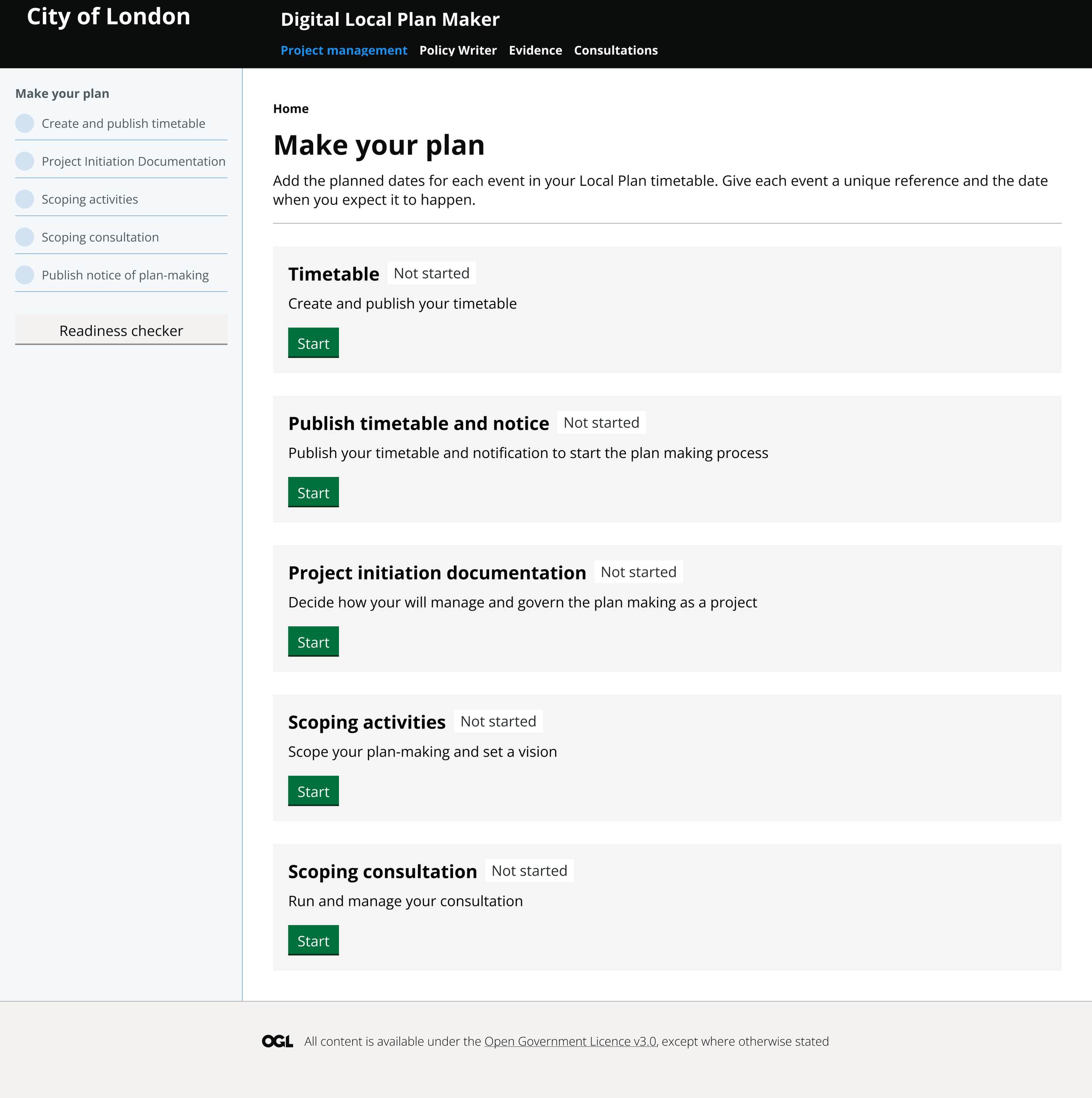
01 Plan-making home screen
Some ideas for preparing and publishing your local plan timetable and required datasets.
EARLY CONCEPT v.1 29 July 2026
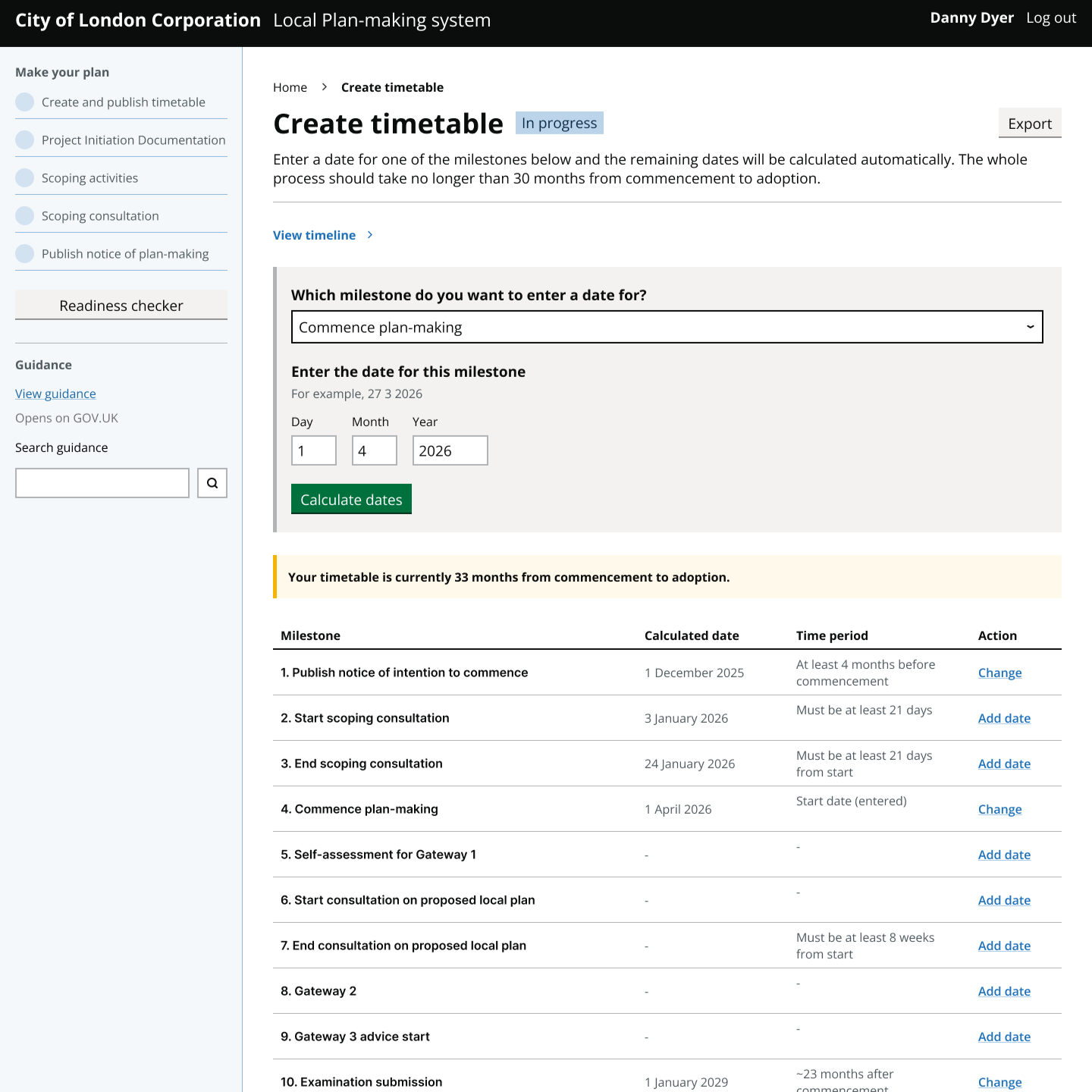
02 Create and publish timetable
A few concepts for managing the scoping activities that planning policy teams carry out in readiness for Gateway 1 self assessment.
EARLY CONCEPT v.1 29 July 2026
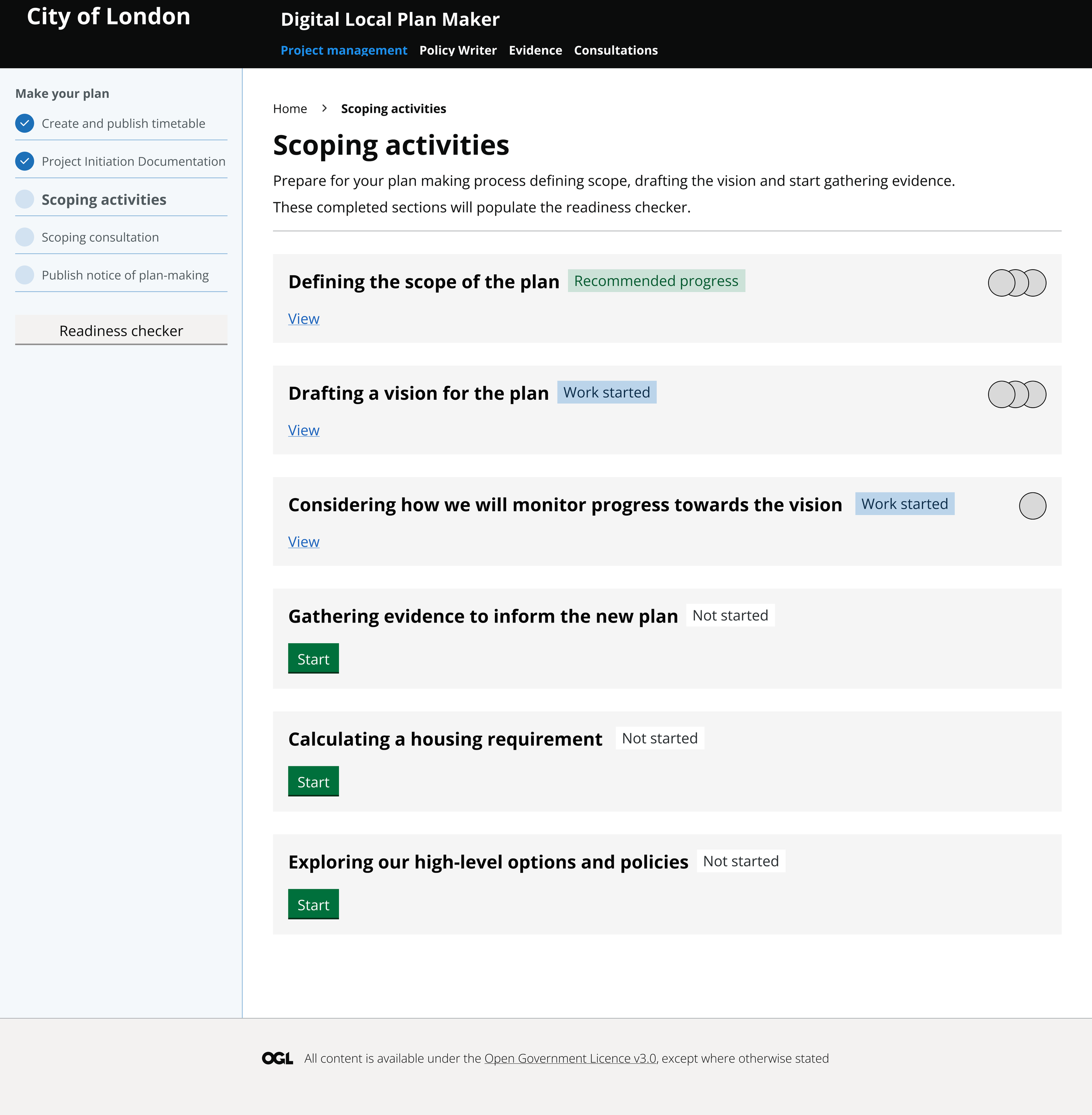
03 Scoping and self assessment
Two approaches to editing, previewing and publishing your notice of intention to commence plan-making.
EARLY CONCEPT v.1 31 July 2026
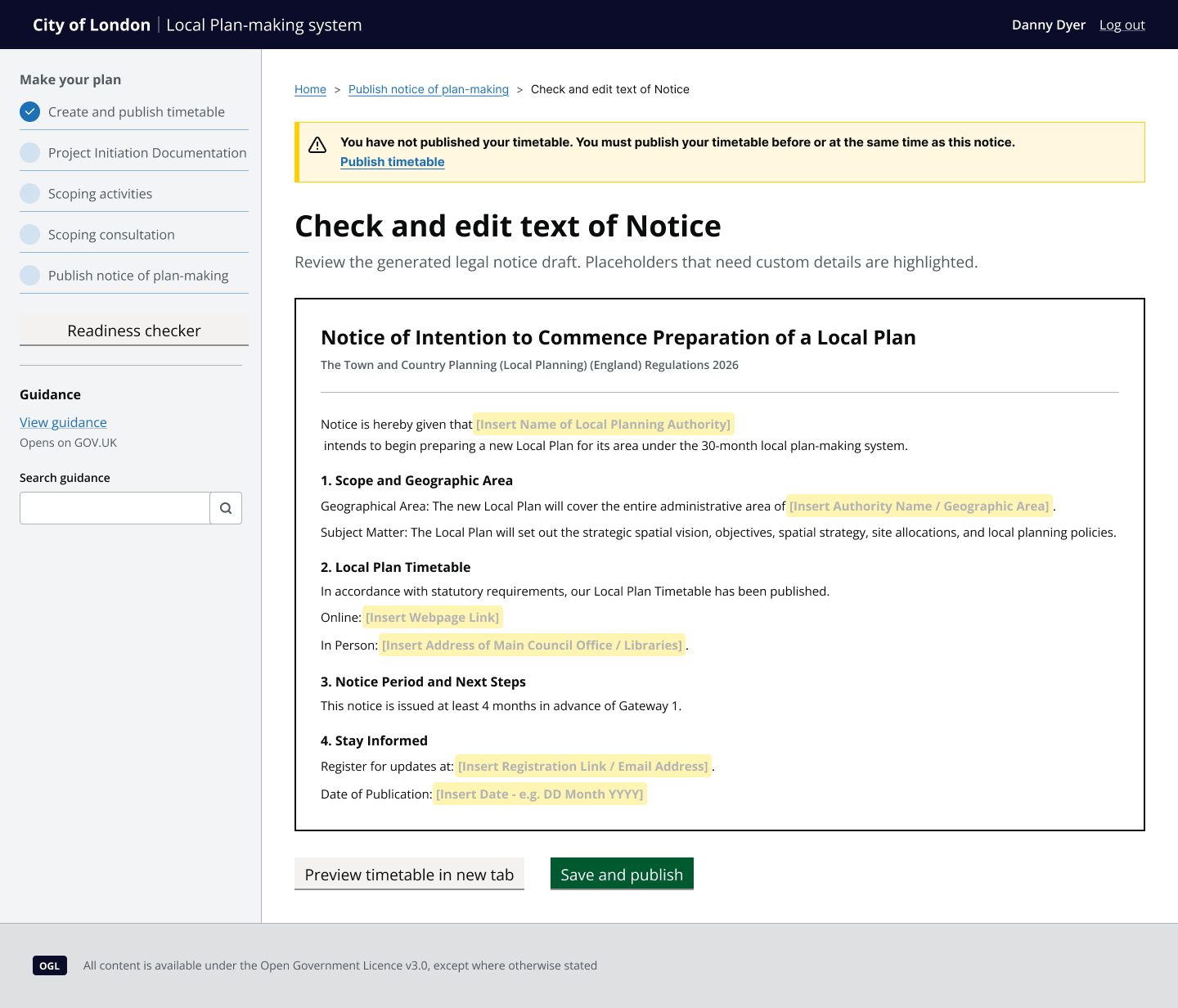
04 Publish notice of Intention
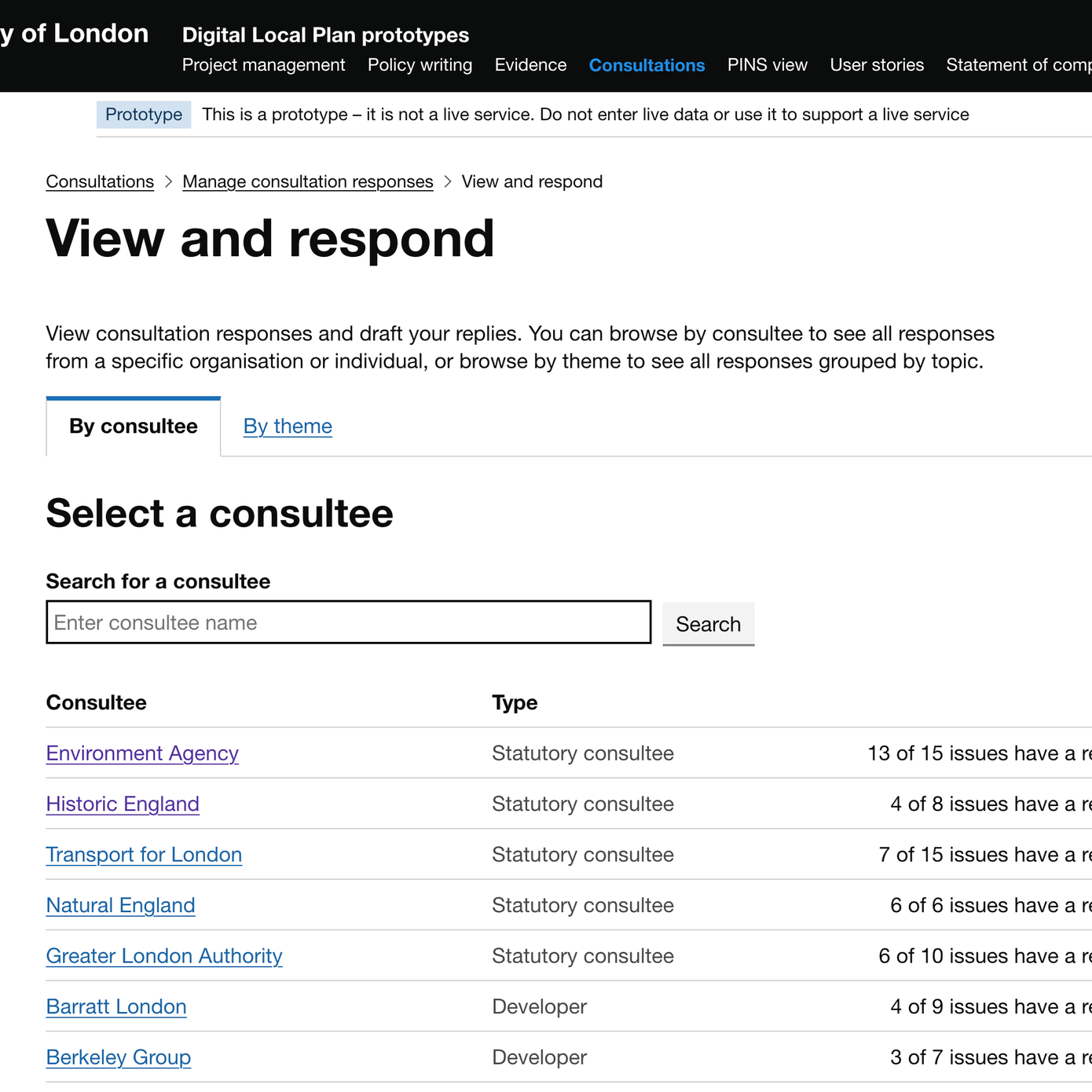
08 Manage consultation responses
Concepts for bulk responding and standardised response library alongside viewing historical responses.
EARLY CONCEPT v.1 8 October 2026
Early ideas on a step by step approach to compiling a Project Initiation Document (PID).
EARLY CONCEPT v.1 29 July 2026
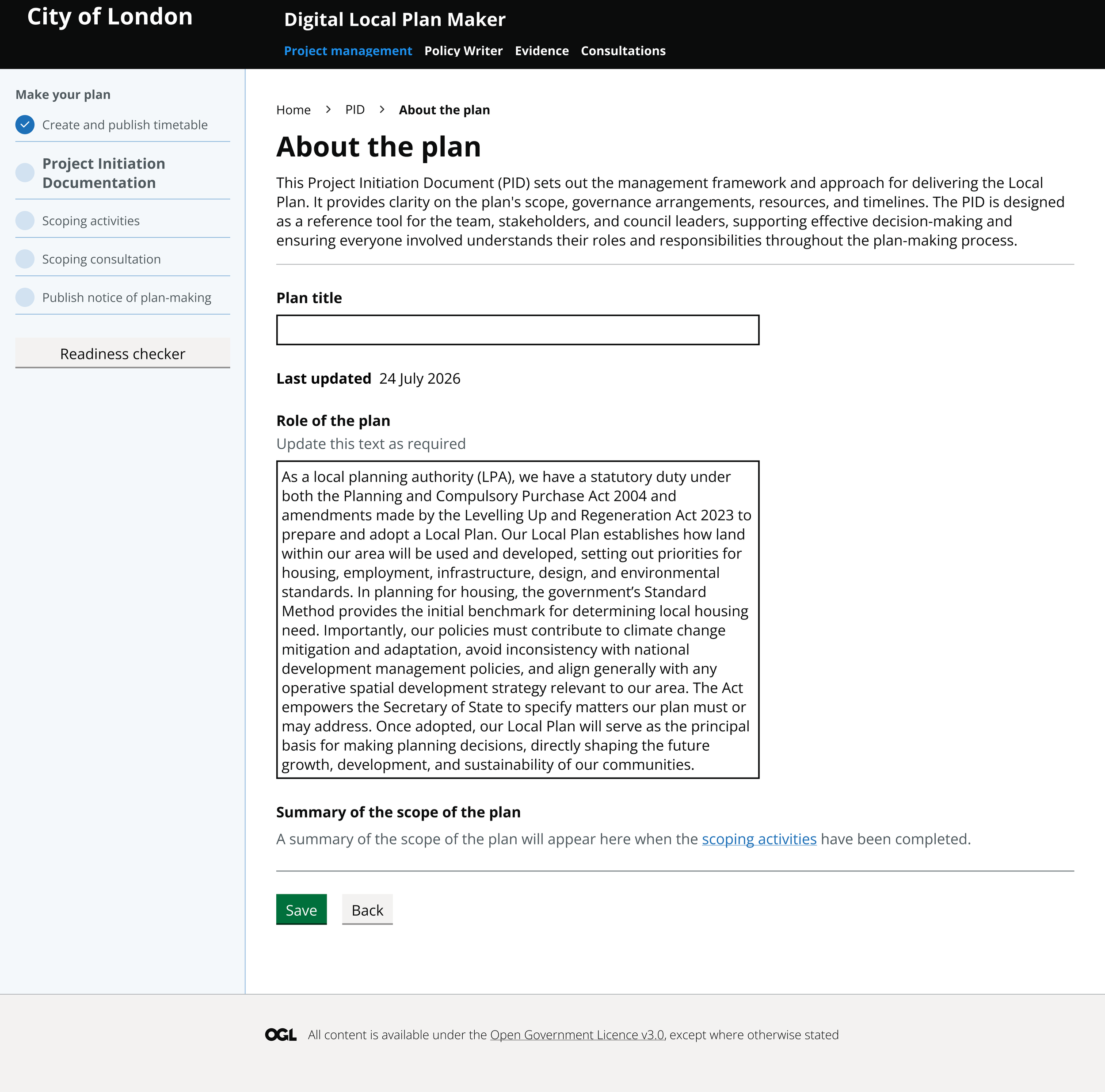
05 Project Initiation document
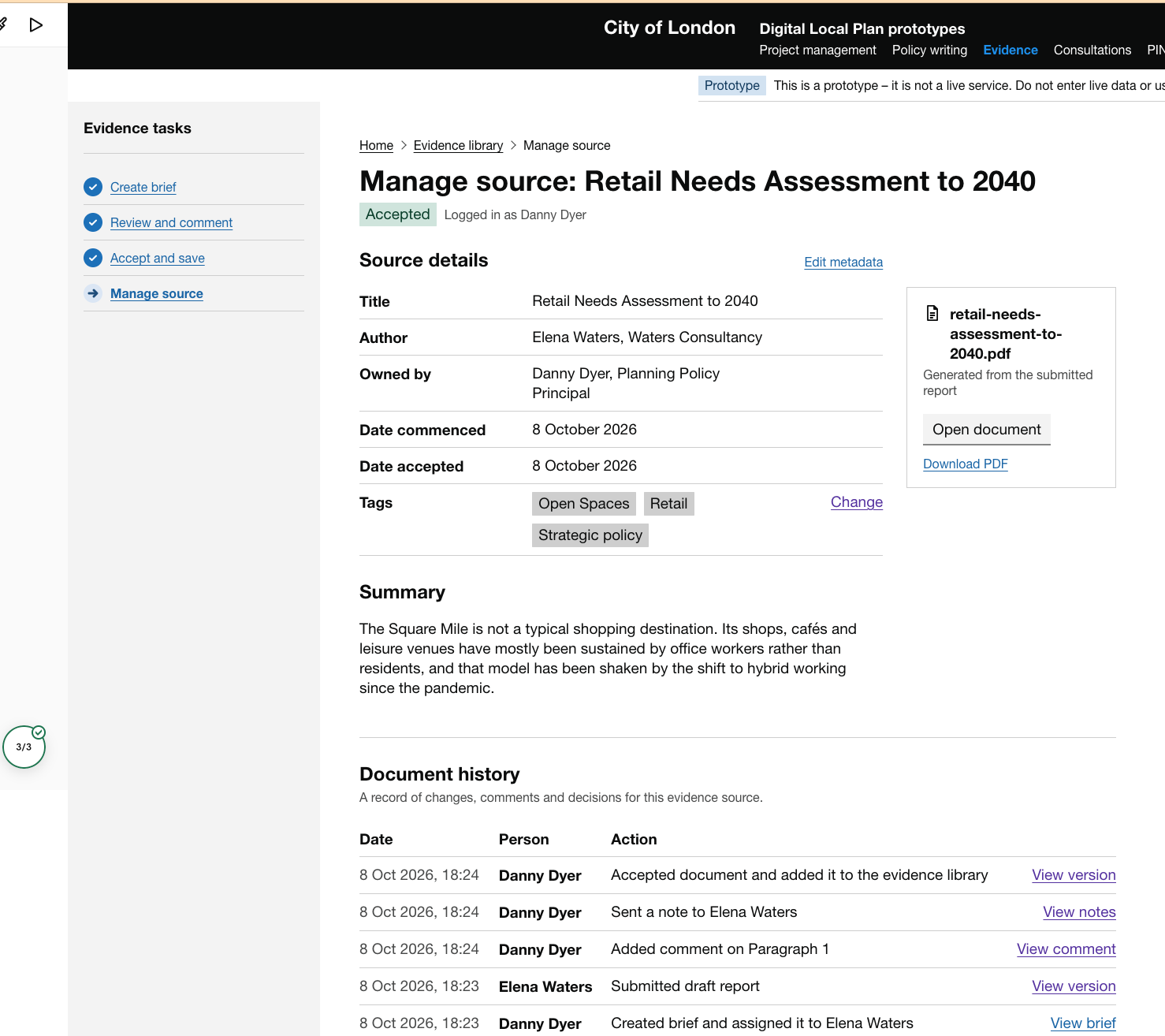
09 Manage commissioned evidence
A shared workspace for policy teams and external experts to draft evidence and audit changes.
EARLY CONCEPT v.1 8 October 2026
Concepts for a policy drafting tool that enables officer to structure their plan and view sources of evidence while writing.
EARLY CONCEPT v.2 29 July 2026
ITERATION v.3 23 September 2026
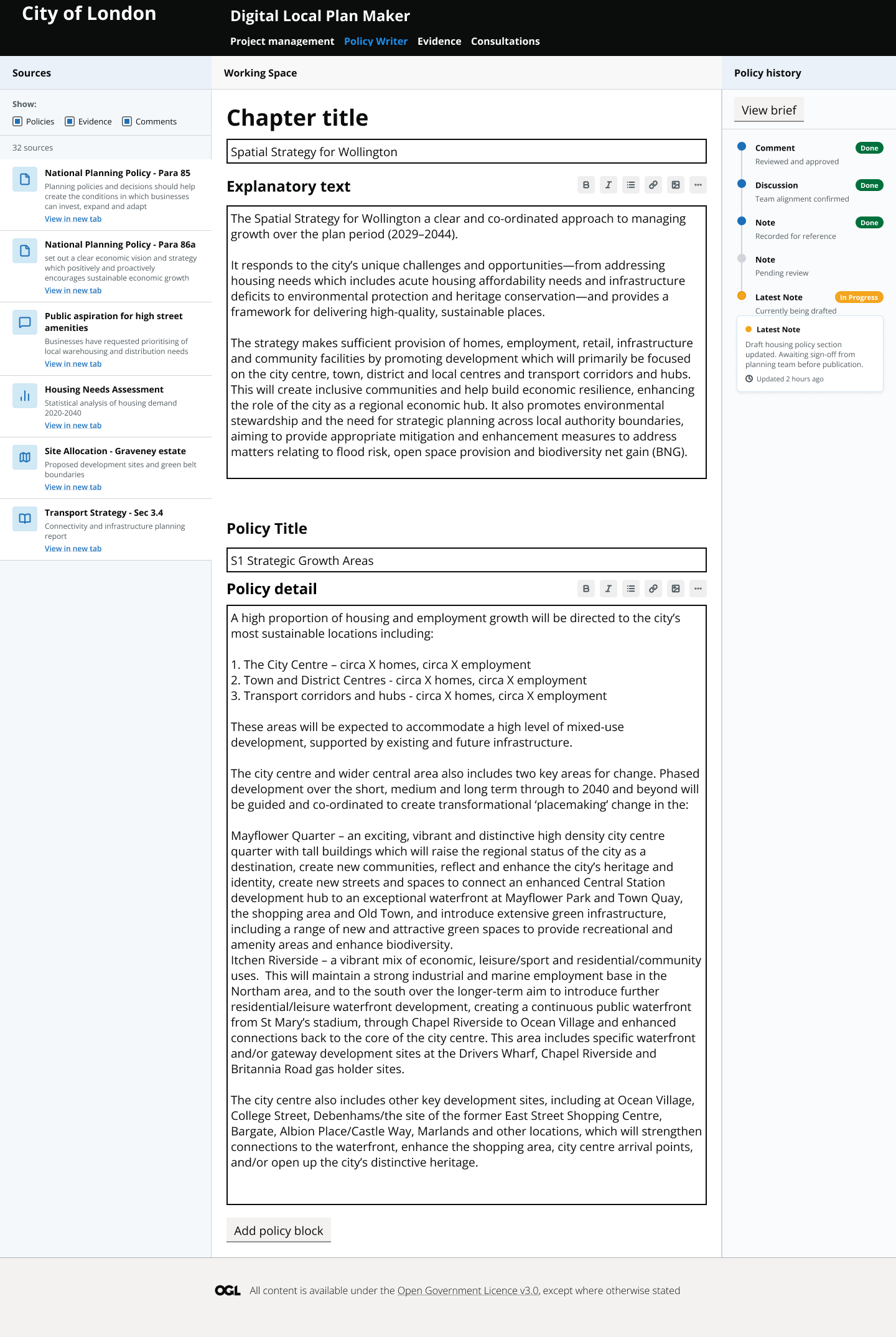
06 Policy writing
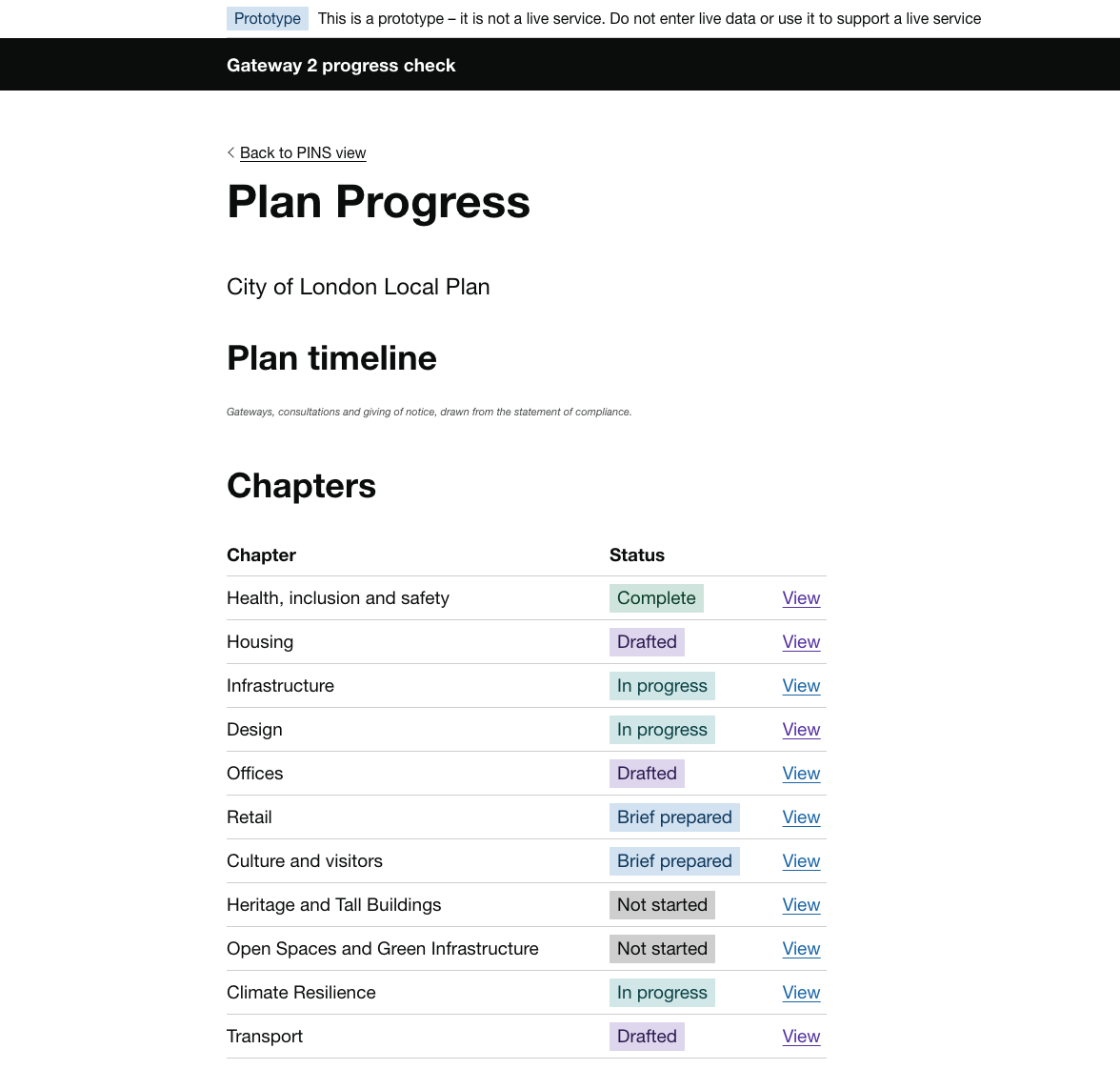
10 Gateway 2 progress check
For Planning Inspectors - a single place to check the progress of a draft local plan alongside linked evidence and consultation representations.
EARLY CONCEPT v.1 8 October 2026
Early ideas on a case management page for planning policy teams to manage the plan-making process.
EARLY CONCEPT v.1 7 September 2026
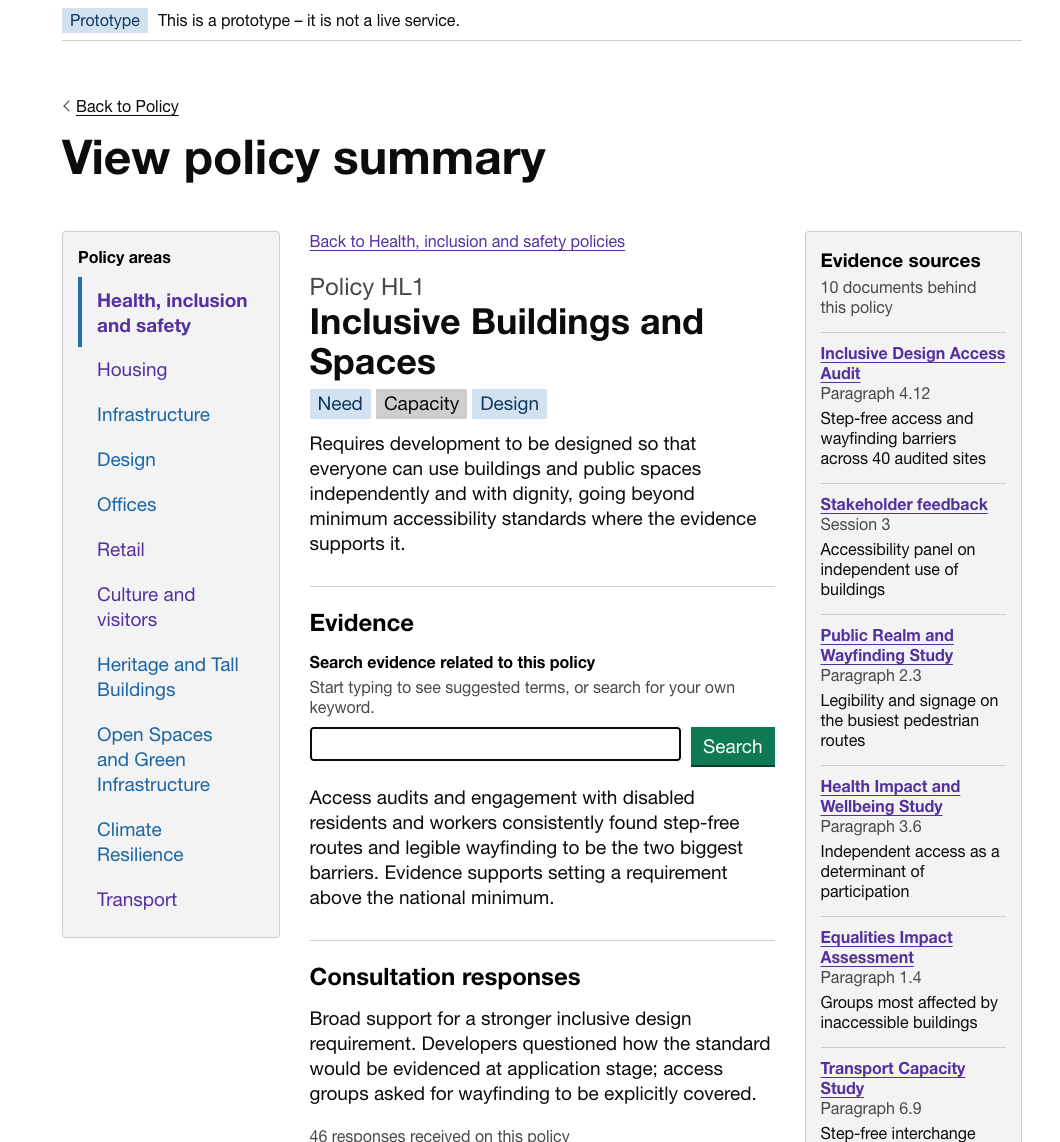
07 Policy summary
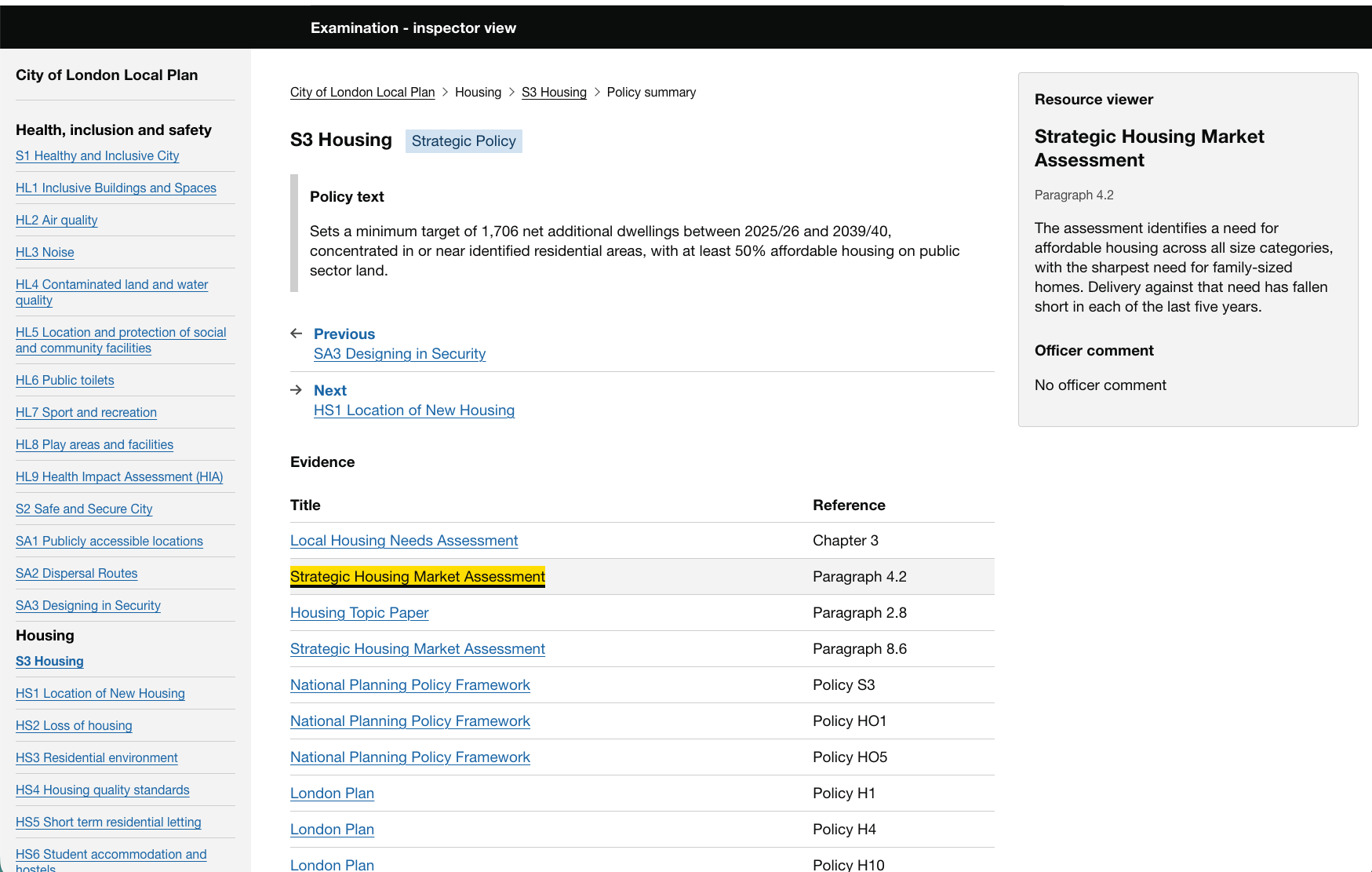
11 Examination - PINS view
A single source of truth for Planning Inspectors to view the evidence, consultation data, NPPF requirement and other information that support a policy.
EARLY CONCEPT v.1 8 October 2026
About the prototypes
‘Prototypes’ are a version of a thing that help us test out ideas with the real users of that thing. They might show an idea at a very high level, or they might show a very specific feature with detailed functionality. They can range from a sketch to a clickable interface that looks and feels like a real interaction.
We’re using the GOV.UK Design System. This helps us create accessible prototypes quickly using tried and tested components and patterns that many government users are already familiar with.
Scenarios
We have created a series of scenarios to help illustrate how a Digital Plan Making service can help deliver benefits for a wide range of stakeholders. These describe actions each stakeholder completes as part of the new plan-making process, showing how they can save time, reduce risk and increase transparency and confidence.